See how the working day really goes — time at the desk, phone use, meetings, breaks — from the cameras already in your office. No software on anyone's PC, no keystroke logging, and every reading shows how sure it is.
Most employee monitoring tools watch the computer. That misses most of what a manager actually wonders about: is the team at their desks, how long do meetings take, how much of the day goes to the phone, who is consistently in late. AI employee monitoring on CCTV watches the room instead, using the cameras your office already has.
Every sampled moment is classified from several signals together — body posture, hands on the keyboard or mouse, a phone in hand or at the ear, movement, who else is nearby and which room it is:
Monitoring only works if the people being measured believe the numbers. These rules are built into every report.
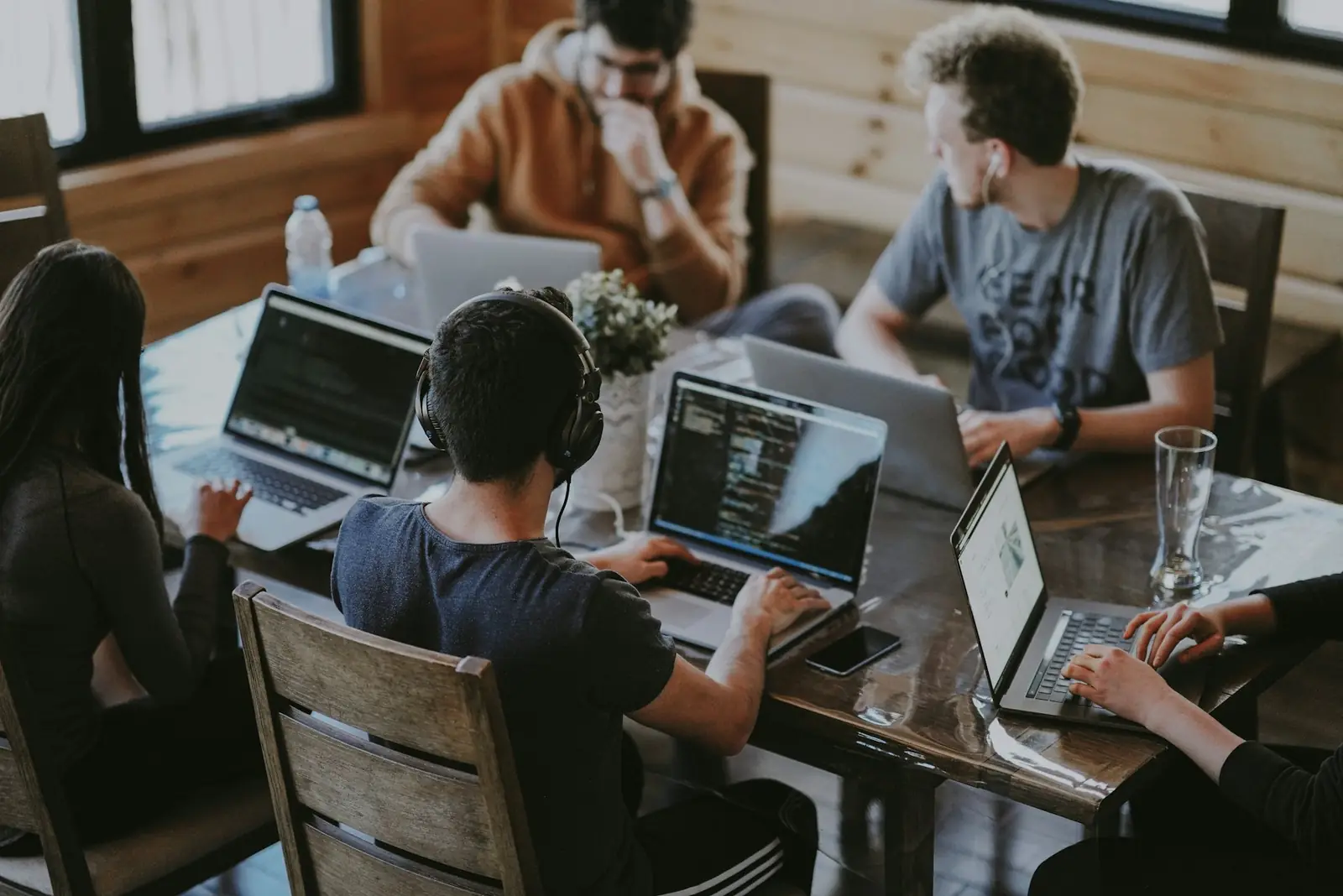
Each employee's day appears as a timeline: stretches of activity with times, rooms and how sure the system is, with the photo behind every sample one click away. Alongside it:
Arrivals and departures come from the entrance cameras, with late marks only against each person's own working hours. The details are on the CCTV attendance system page.
| AI on CCTV | Screen / activity software | |
|---|---|---|
| Installed on staff PCs | Nothing | An agent on every computer |
| Sees | The person: desk time, phone, meetings, breaks | The computer: apps, sites, keystrokes |
| Works for non-desk roles | Yes — counters, kitchens, floors, stores | No |
| Reads screens or keystrokes | Never | Usually |
| Needs | Existing cameras and NVR | Admin access to every PC |
Run a restaurant, café or shop as well? See CCTV analytics for restaurants and cafés for till, service and customer reports on the same cameras.
It can tell what is visible: hands on the keyboard or mouse, a phone in the hand or at the ear, sitting with others, leaning back with hands off the desk, walking or being away from the work areas. What it can't see, it marks as Unclassified instead of guessing — and anything inferred from posture is labelled as inferred, separately from what was directly seen.
It answers a different question. Screen software sees what is on the computer; CCTV analytics sees the person — at the desk, in meetings, on the phone, on a break — without installing anything on staff computers and without reading their screens or keystrokes.
No. The system learns each person's own way of working. Someone who always works leaning back is not flagged for it; the comparison is always with that person's own normal, not with one rule for everyone.
Sightings are linked to the right person by face when it is visible, and otherwise by clothing and the seat they work at, so a turned back still counts. When a snapshot doesn't show enough, it is Unclassified — never counted as work or as idling.
It depends on your country. As a rule: tell employees what is monitored and why, use it for clear work purposes, avoid private areas, limit who can see the dashboard and follow your local data-protection law. Performance Tracker keeps data on a server you control and records no audio or screens.
An NVR the server can reach over a private encrypted link, and either a PC in the office or a private cloud server. No graphics card, no agents on employee PCs, no changes to the cameras.
Tell us about your site and cameras and we'll walk you through a live dashboard.
