No fingerprint machine at the door, no queue at shift change, no one clocking in for a friend. Performance Tracker marks attendance from your entrance cameras and follows each employee through the day on the cameras you already own.
A traditional attendance system asks every employee to do something — press a finger, tap a card, look into a terminal. A CCTV attendance system asks nothing. It reads the footage your recorder already keeps and recognises the people in it.
Add a few clear photos of each person from a phone. If one of the photos has no face in it, nothing is saved and you are told which photo to replace, so nobody is enrolled with a bad picture.
The entrance cameras are watched continuously. When an enrolled employee walks in, their first sighting of the day becomes their arrival time. The photo is kept, so a manager can always see the moment behind the mark.
Every other camera is sampled through the day. Sightings are joined to the right employee by face, by clothing or uniform, and by where they usually work — so a person with their back to the camera still counts. The system also learns each employee's look on your cameras, so recognition improves week by week.
"Not seen for a while" is not the same as "went home". A departure is recorded when someone is seen leaving through the entrance or has completed a full shift; otherwise the dashboard says last seen and leaves it there. Nobody is marked as leaving early because a camera lost sight of them.
| CCTV attendance | Fingerprint / face terminal | |
|---|---|---|
| New hardware | None — uses your existing cameras and NVR | A terminal at every entrance |
| Employee effort | None — they just walk in | Stop, touch or look, often in a queue |
| Buddy punching | Not possible — it recognises the person | Possible with cards and PINs |
| What else you learn | Time on site, where people were, breaks | Only the clock-in and clock-out |
| Needs | A camera that sees faces at the entrance | Power and network at the door |
| When the system is unsure | Listed for a one-click check | Rejected scan, retry |
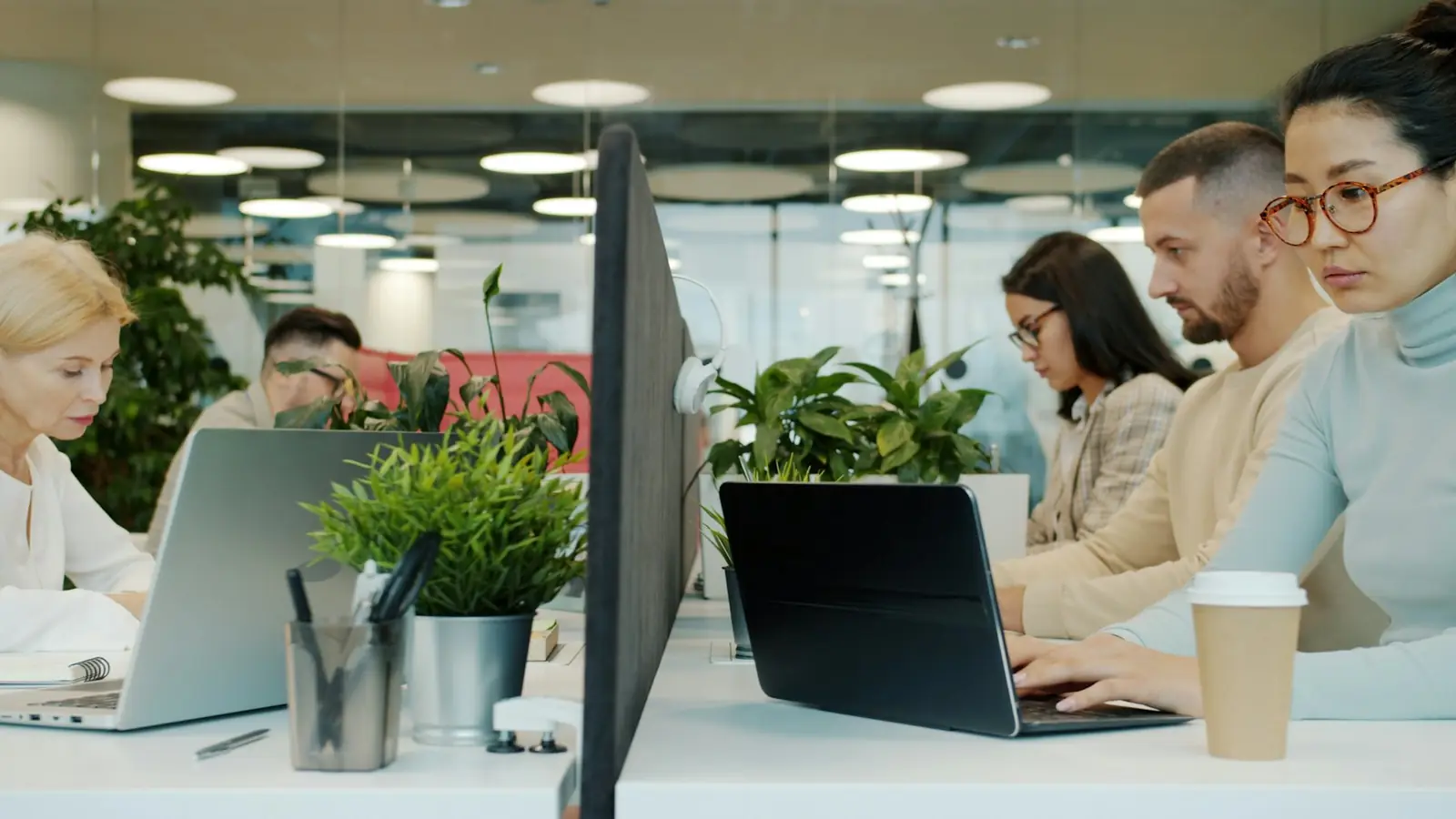
Face recognition needs a face. The single most important thing for a CCTV attendance system is a camera that sees people's faces as they walk in — mounted roughly at head height and looking along the path people take, not straight down from the ceiling.
During set-up we review every camera view with you and say plainly which ones will recognise faces and which won't. Hikvision and Dahua recorders are supported; the server can be a PC in your office or a private cloud server, without a graphics card.
Attendance is one part of the picture. For what happens during the shift, see employee monitoring with CCTV for offices and CCTV analytics for restaurants and cafés.
Yes, with one condition: at least one camera should see people's faces as they come in, at roughly head height. Overhead cameras that only see the top of people's heads are fine for counting but poor for recognising faces; we check your camera views during set-up and tell you if one needs to be re-angled.
Nobody has to stop, touch anything or queue. The camera marks arrivals as people walk in, it can't be fooled by one employee clocking in for another, and the same footage also shows where each person spent the day. A machine is still the better choice for a site with no camera at the entrance.
They are not marked absent automatically. Anyone seen inside but not caught at the entrance is listed for a one-click check, and a manager can mark people present or absent by hand. Every manual mark is kept separately from the automatic ones.
Yes. Each employee can have their own working hours, including shifts that run past midnight. Late arrivals and early departures are judged only against those hours, and the end of a night shift stays on the day it started.
Yes. Each employee's attendance for any period up to three months can be downloaded as a spreadsheet with arrivals, departures, late minutes, time on site and who marked it.
Rules differ by country. In general you should tell employees that cameras are used for attendance, keep the data secure and only for that purpose, and follow your local data-protection law. Performance Tracker keeps the data on a server you control and never records audio.
Tell us about your site and cameras and we'll walk you through a live dashboard.
